Guide
Bulk: a batch of articles at once
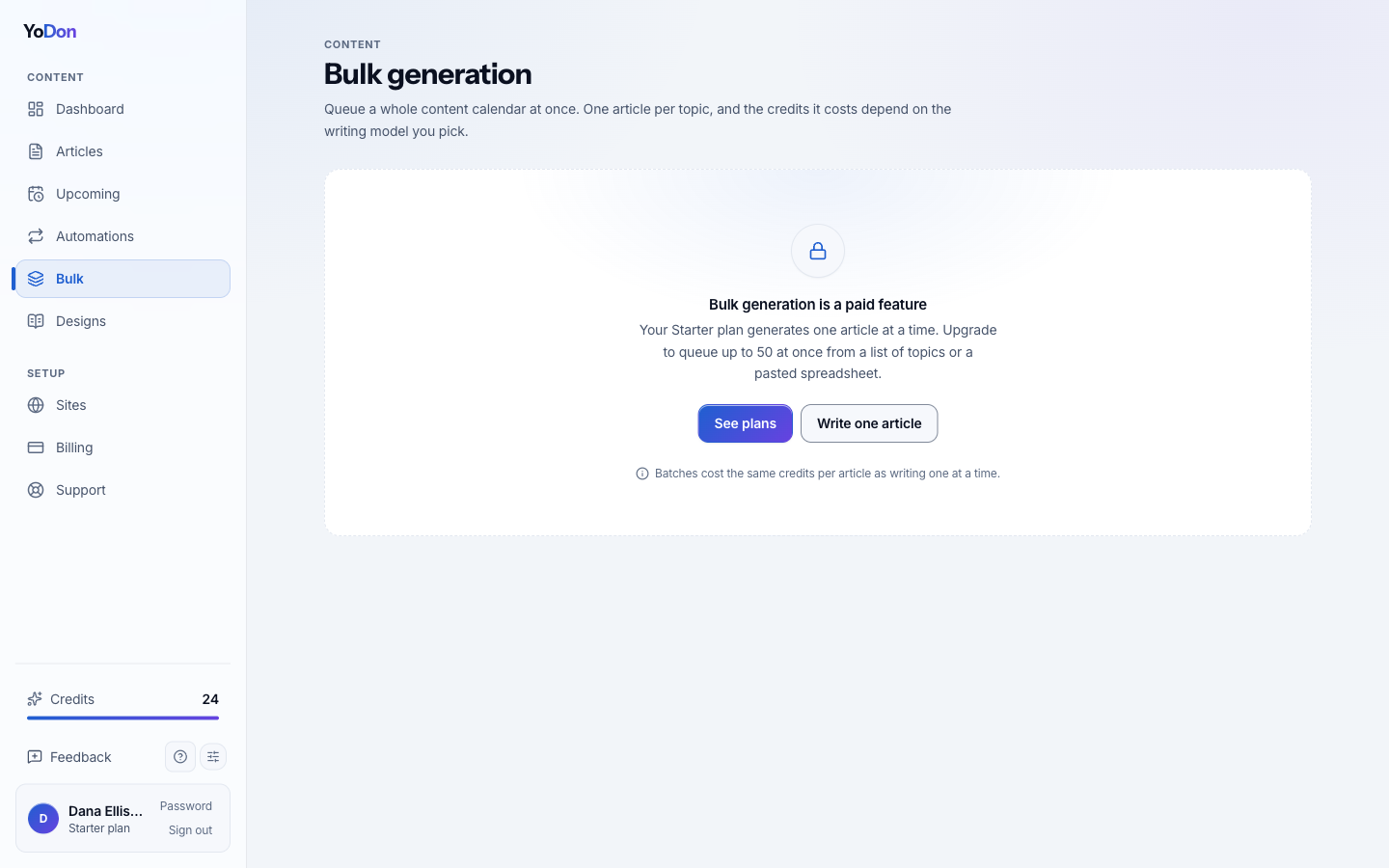
Bulk is for the moment you already know the list: a content calendar for the quarter, twenty destination guides, the whole product catalogue. Paste the topics once and the batch writes itself in order.
When to use bulk
Bulk and automations answer different moods. An automation is a rhythm — it keeps planning new articles forever. Bulk is a list you already hold: launch content for a new site, a back-catalogue refresh, a season's worth of destination guides. Use bulk when you can name the articles now; use an automation when you want the naming done for you, forever.
Building the batch
One row per article: a topic, an optional brief, and optional per-article extras — a focus link the article must cite, a word count, a category. The site-wide choices — publishing mode, language, audience, goal, writing model, the research and linking passes — are set once for the whole batch. Identical rows are collapsed before anything is charged, so pasting the same topic twice costs one article, not two.
What happens after you submit
The batch is queued and written in order as capacity frees up — each item runs the same pipeline as a single article: brief, research, write, optimise, image, publish. The batches page shows live progress per item, and finished articles land in your article list (and on your site, if the batch is set to publish). You can walk away; an email tells you when things finish or if anything failed.
Costs, duplicates and refunds
The full cost is shown before you submit, and the credits are reserved at submit time so the batch can't run out halfway through a plan. Every topic is checked against your site's existing articles before it is written — a duplicate is skipped rather than charged. And if any individual article fails, its credits come back automatically; the rest of the batch is unaffected.