Guide
How YoDon writes an article
One article, from a sentence you type to a finished post on your site. This guide walks the whole journey so you know exactly what happens — and what is yours to decide.
The short version
You describe a topic in a sentence or two. YoDon turns that into a full editorial brief, researches the topic on the live web, writes the article from what it found, generates a featured image, lays the page out in your design, adds the SEO fields, and publishes it to your site — or holds it for your review. The same pipeline runs whether you clicked a button or a schedule did.
What you provide
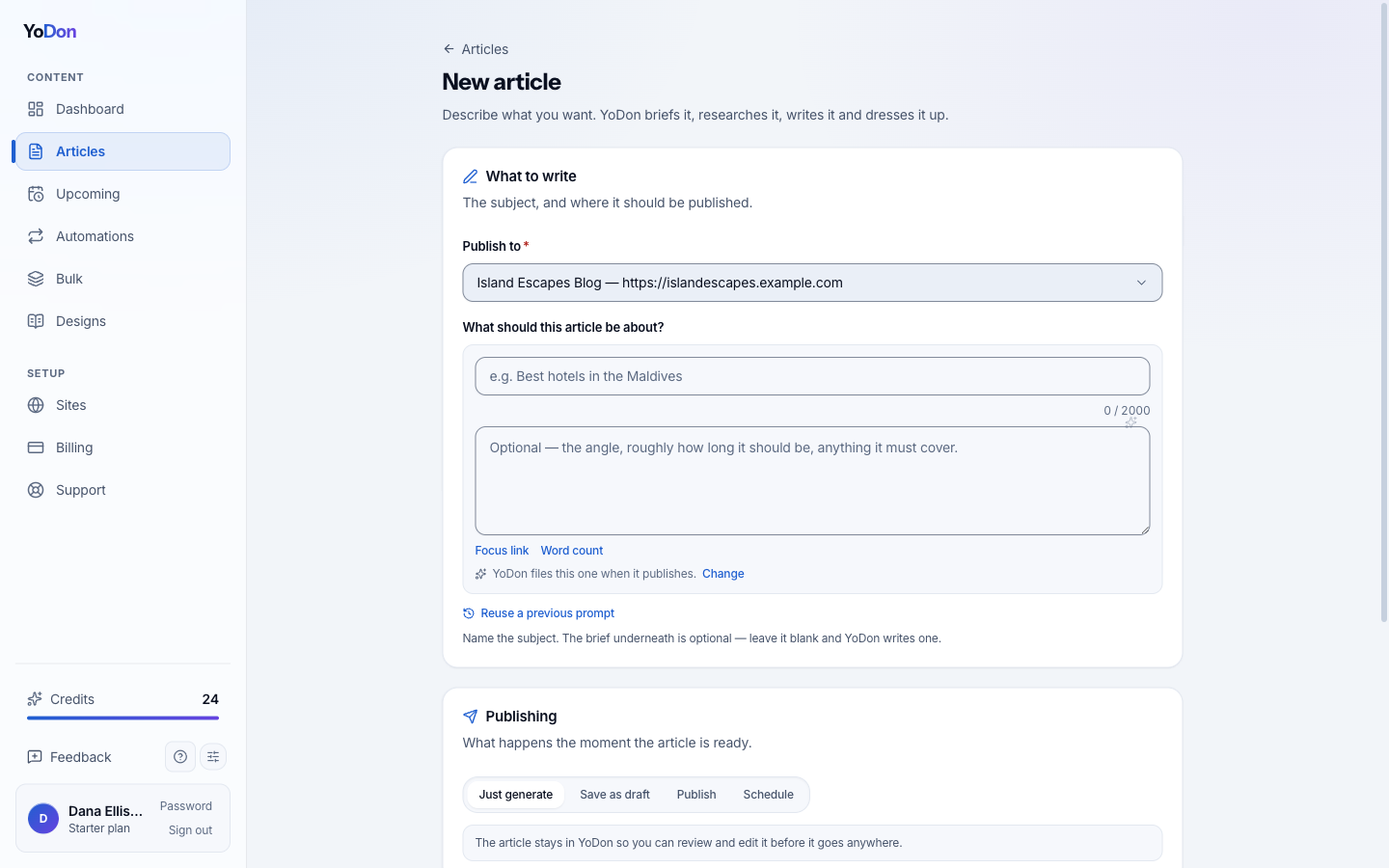
One form. The subject is required; everything else has a sensible default you can ignore until you care about it:
- The topic — a sentence like “Best hotels in the Maldives for families”. A brief underneath is optional; leave it blank and the brief is written for you.
- Which site it publishes to.
- What happens when it's done: publish immediately, save as a draft, just generate, or schedule for later.
- Optionally: who's reading, what the article should achieve, the language, the writing model, and two extra passes — live research and internal links.
One article costs one credit at the Standard writing model, two at Enhanced and three at Maximum. The writing model changes who writes the prose — everything else (research, citations, SEO, internal links, the featured image) is identical on every level.
The six steps
- Brief. Your sentence becomes a real editorial brief: a sharpened topic, an angle, the audience, an outline, a focus keyword, and the image direction. If you gave a brief, it is treated as law.
- Research. On plans with research enabled, the researcher searches the live web and answers the brief's questions with current, sourced facts. Every source is fetched and checked before it can be cited — anything unreachable is dropped, search-result pages are never cited, and official institutions (government, universities, standards bodies, Wikipedia, established news) outrank commercial blogs. You can add your own source policy — “government sources only”, “never cite competitors” — and it is enforced.
- Write. The writer works from the verified findings, keeps the citations inline, opens with the answer, and never invents a statistic or a link. Internal links point to posts your site actually has.
- Optimise. A final pass tunes the piece for search engines and AI answer engines: the focus keyword placed naturally, a quotable short answer near the top, descriptive headings — and a copy-edit for grammar in your language.
- Image. A featured image is generated from the brief's art direction — a concrete scene that depicts the subject, never text baked into the picture.
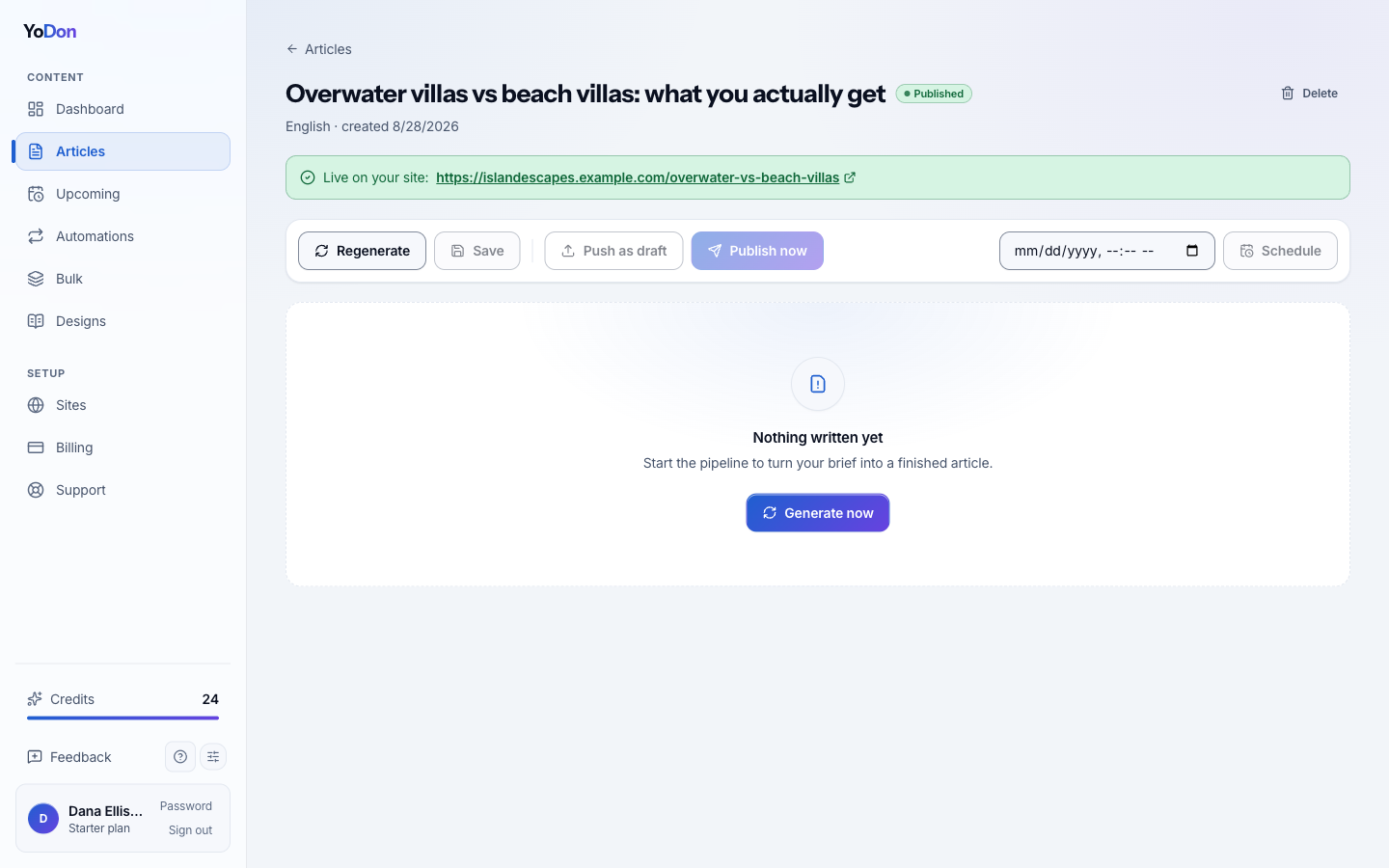
- Publish. The finished article goes to your site in your design, with the SEO title, description and keyword written into Yoast or Rank Math if you use them. Or it waits as a draft — your call, per article or per automation.
Where the facts come from
Researched articles carry a Sources section — the actual pages the facts came from, linked. Two rules run underneath the whole thing: nothing is cited that could not be fetched, and official sources win. If your article is about visa rules, you get the government page, not somebody's blog about it. And your own instructions travel verbatim: a source policy you write is a hard requirement, not a suggestion.
If a run finds nothing solid, the article is written without invented facts rather than padded with guesses — and if a generation fails, the credits come back automatically.
What you get
A finished post: title, body with inline citations, featured image, SEO fields, excerpt and FAQ — published or waiting for you. You can open it in the dashboard, edit anything exactly as you would your own post, and publish when happy.