Guide
Reviewing, editing and publishing
Autopilot does not mean losing control. This guide shows where every article lives, what you can change, and the three ways an article can reach your site.
The three publish modes
- Publish — the article goes live on your site the moment it's finished. This is the set-and-forget mode; an email confirms every publish.
- Save as draft — the finished article lands as a draft on your site (or in YoDon), waiting for your go-ahead. Nothing is visible to readers until you publish it.
- Just generate — the article stays in YoDon entirely; nothing is sent to your site until you send it.
The mode is per article or per automation, and you can switch any time — flip an automation from drafts to publish and every article from then on goes live on its own.
Where articles live
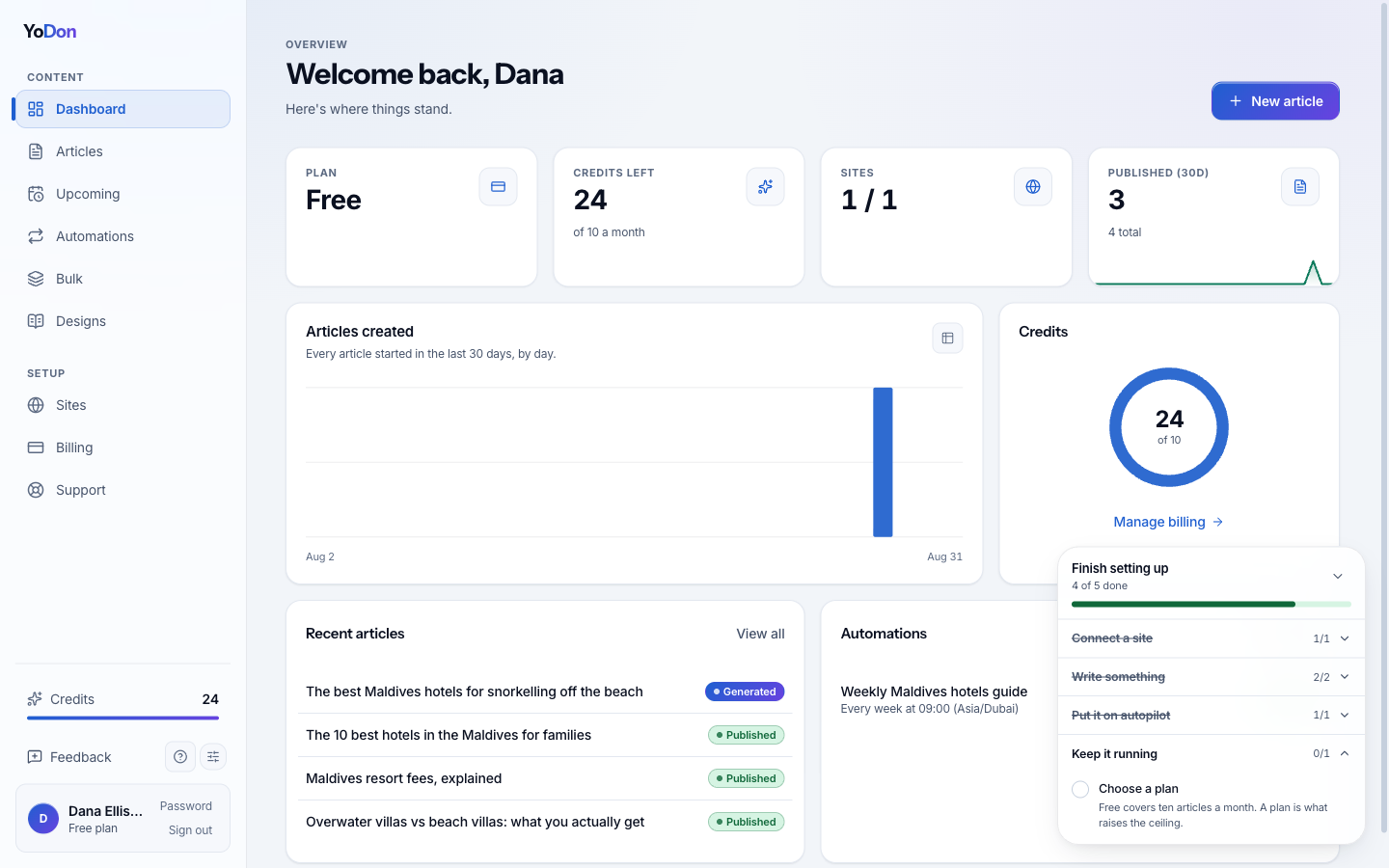
Everything YoDon has written for you is in the Articles list — published, drafts waiting, and anything still being written, with the site each one belongs to. The dashboard's Recent articles panel is the same data, curated.
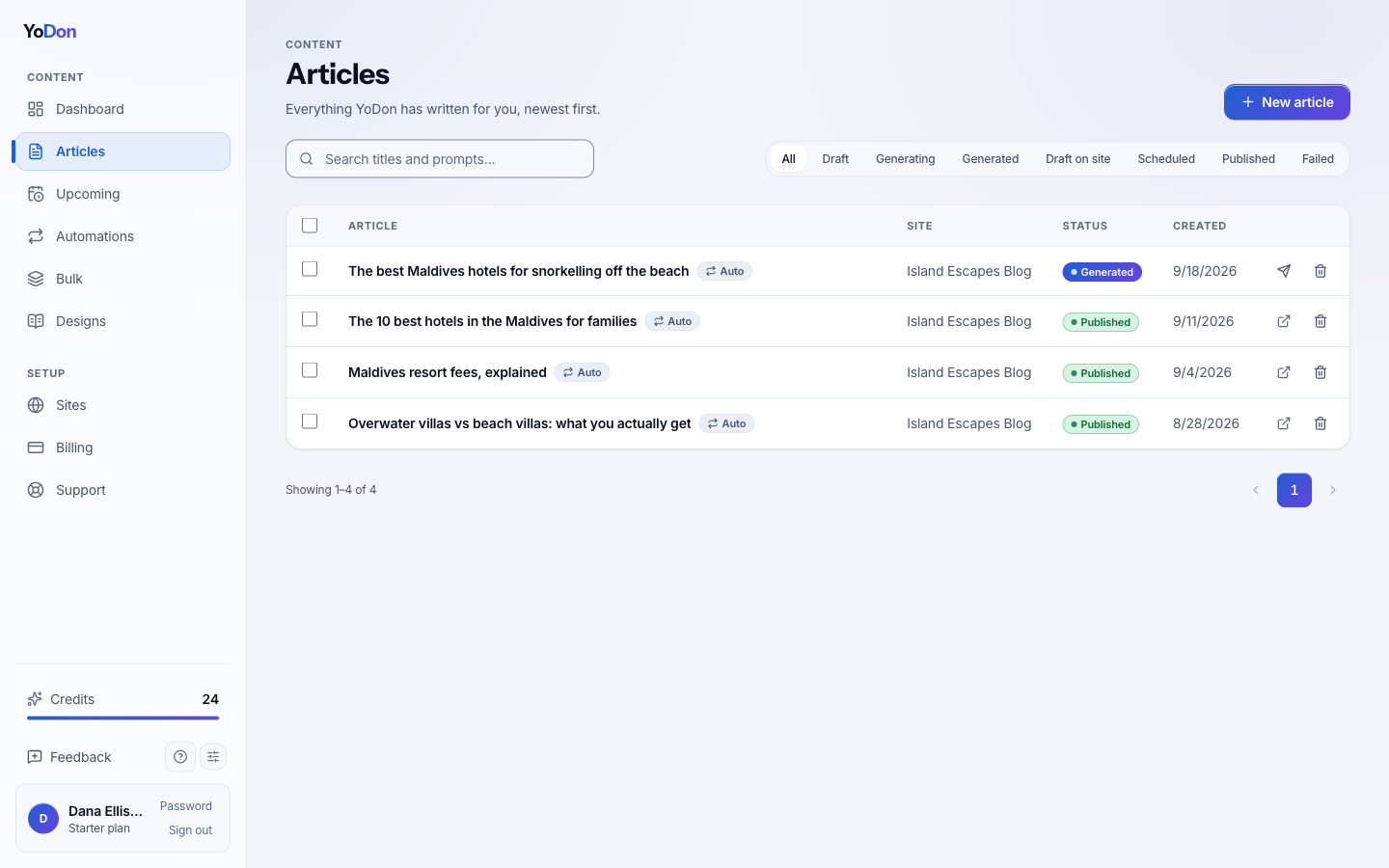
Reviewing and editing a draft
Open any article and you get the full editor: the content, the SEO title, description and keyword, the excerpt, the categories, the featured image and the sources the research used. Change anything — a paragraph, a heading, the whole structure — exactly as you would your own post. When you're happy, publish it from the same screen.
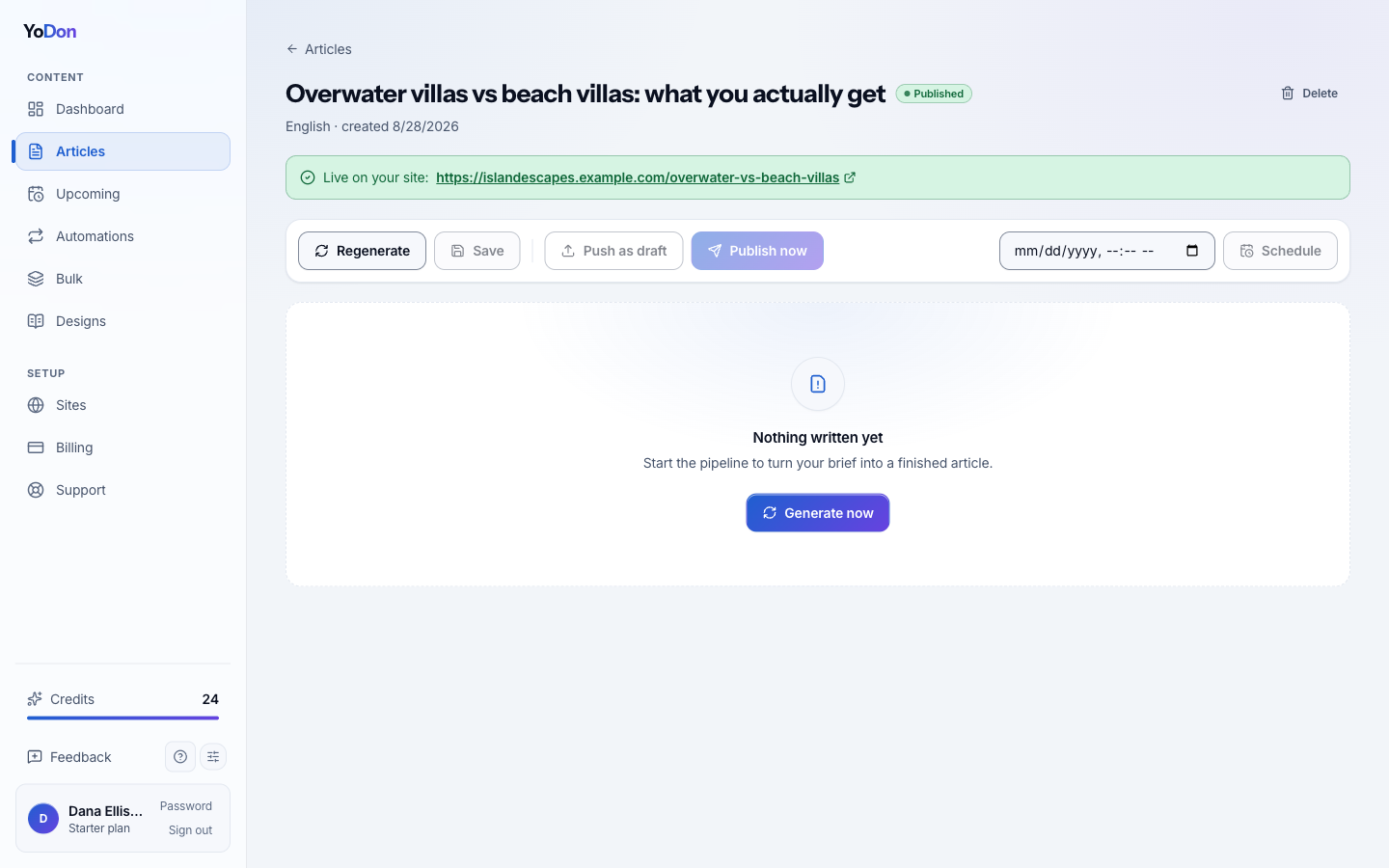
After it's live
A published article is yours: edit it in YoDon and the changes are pushed to your site, or edit it directly on your site — YoDon never overwrites edits it didn't make. Each publish is confirmed by email, and if your site is connected to Google's Indexing API, newly published articles get a one-click submit-to-Google button.
The dashboard is the morning check: what published, what's queued, how many credits are left — the whole state of your autopilot in one screen.